Scopes & permissions
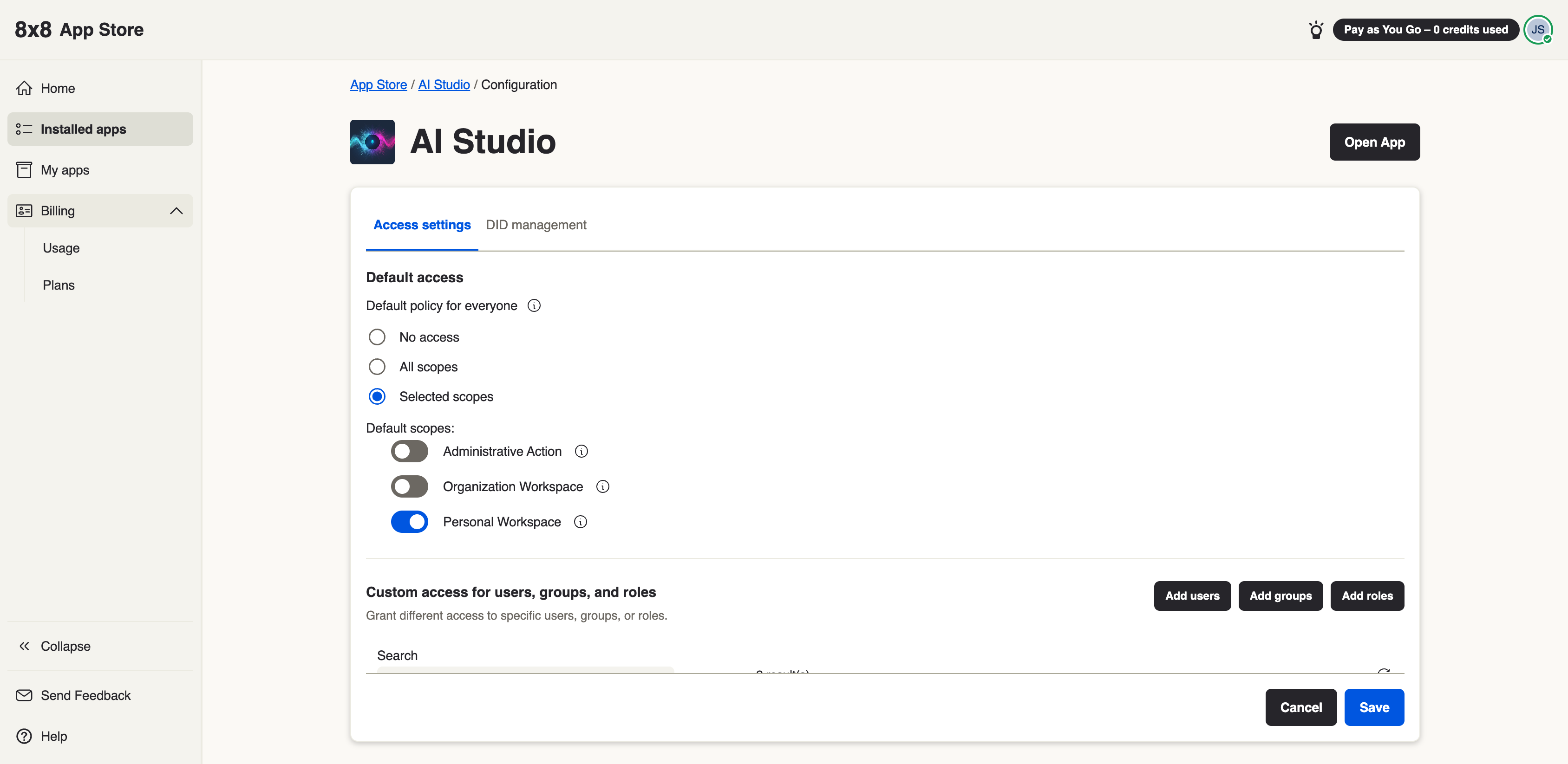
When you install an app from the 8x8 App Store, the app declares the scopes it needs — the specific things it is allowed to do or see on your organization's behalf. You review and grant these at install time. This page explains what scopes are, how you control them, and which permissions come from the 8x8 Admin Console.
What a scope is
A scope is a single, named permission an app requests — for example "read your agents" or "send messages on a channel." An app can only do what its granted scopes allow; anything outside its scopes is denied. Keeping scopes narrow is deliberate: an app should ask for the least it needs to do its job.
Granting scopes when you install
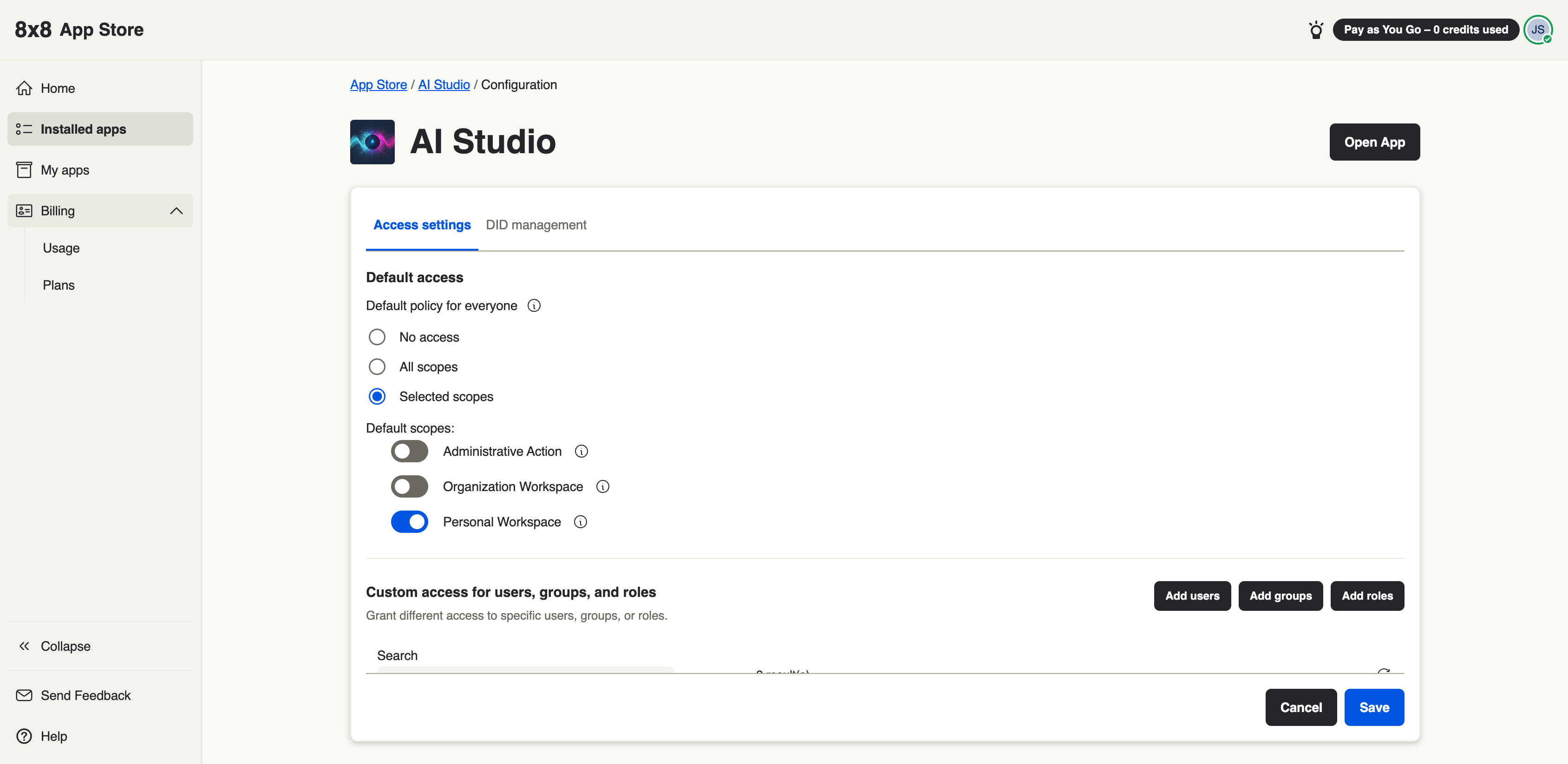
During install you'll see the scopes the app is asking for. As an administrator you:
- Review each scope and what it allows.
- Grant the app the scopes it needs to function.
- Choose who the app is available to (all users, or a subset).
If you don't grant a required scope, the app may be unable to perform part of its job.
Per-user access
Beyond what the app can do, you also control who can use it. An installed app can be made available to all users or to a selected group, and access can be adjusted later from the Admin Console. See Managing installed apps.
What comes from the Admin Console
Some permissions don't come from the app at all — they come from your 8x8 Admin Console setup:
- Service entitlements. Apps can require specific 8x8 services (for example Contact Center, Work, or Meet). If your organization is not entitled to a service an app requires, the install is blocked until that entitlement is in place. This is why an app that installs cleanly for one organization may be unavailable to another.
- Administrator role. Only a user with the right Admin Console role can install apps, grant scopes, and subscribe to plans. Standard users can use an installed app but can't install or configure it.
- User identity. When an app signs a user in, it uses that person's verified 8x8 identity. The app only ever sees data for the organization (and, where relevant, the user) that is actually signed in — it can't reach another organization's data.
Rule of thumb: the app declares scopes (what it wants to do); the Admin Console decides what your organization is entitled to and who is allowed to grant it. An install succeeds when the app's scopes are granted and your organization meets the service entitlements the app requires.