Installing a free application
Not every app in the 8x8 App Store has a plan. A free application installs without a plan-selection or billing step, and — like every app — without a terms or beta-consent step: you click Install, review what it can access, and it's ready.
Step 1 — Find the app in the catalog
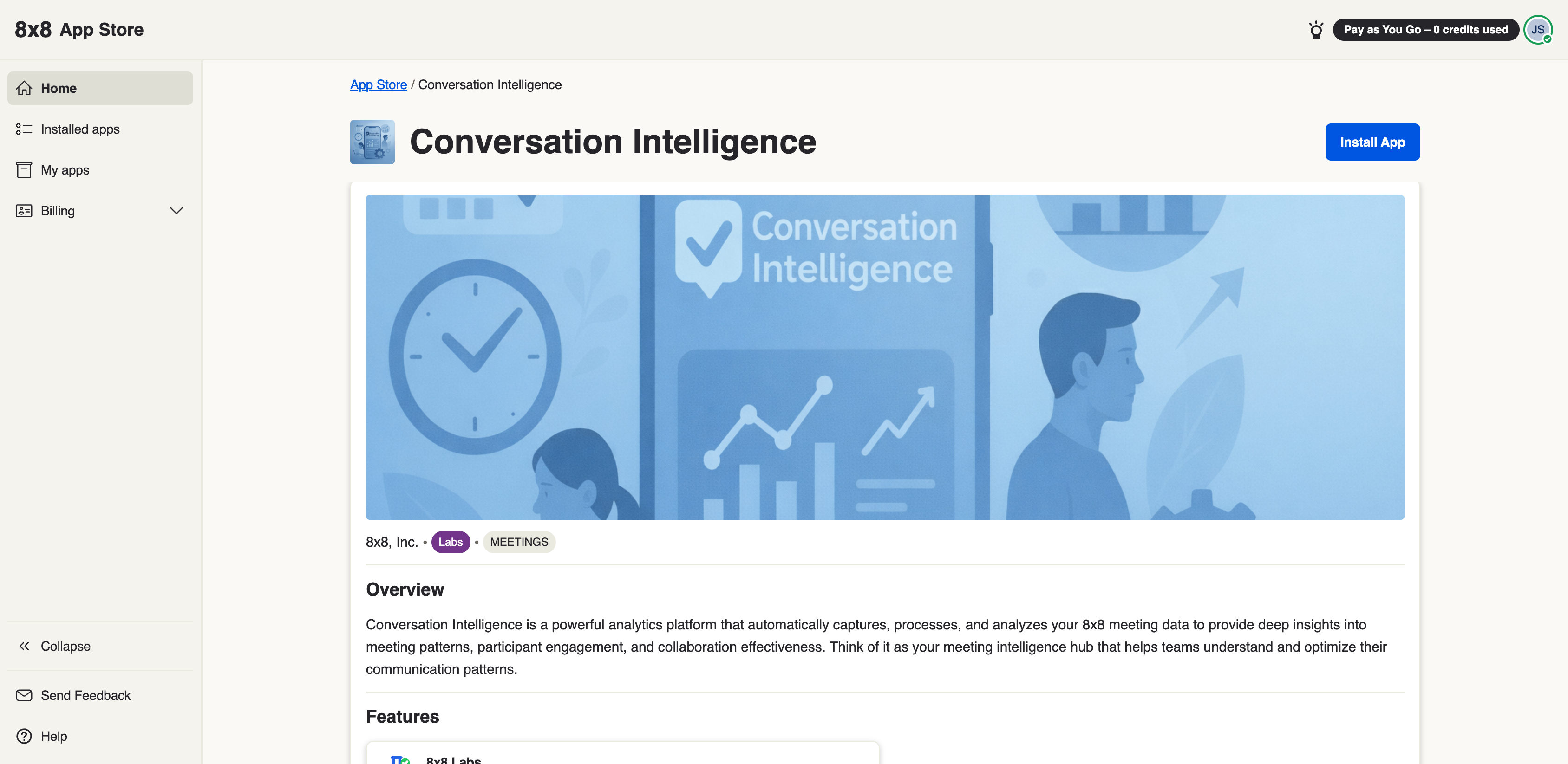
From the 8x8 Admin Console, open the App Store and click the app you want.
Step 2 — Install
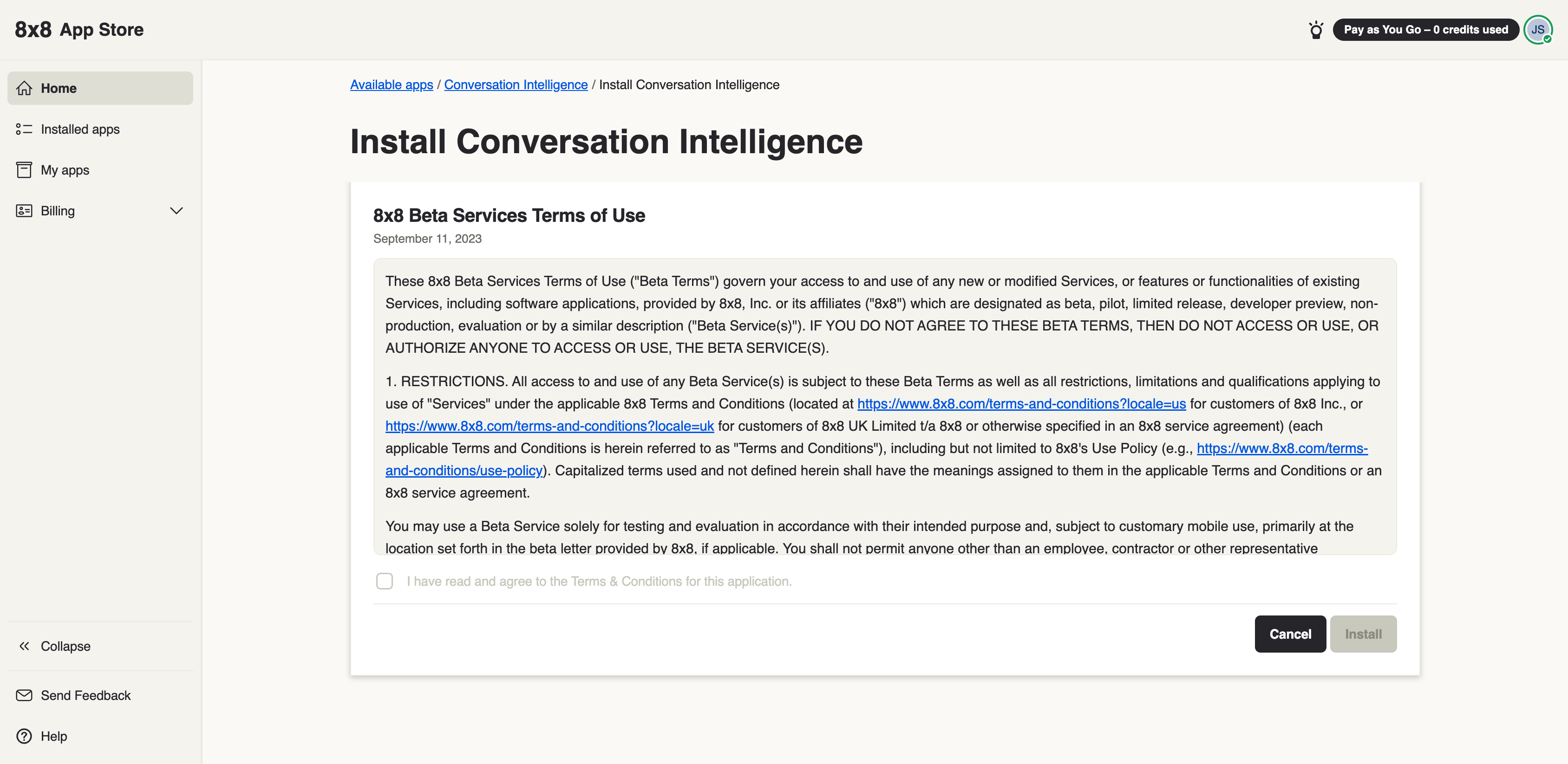
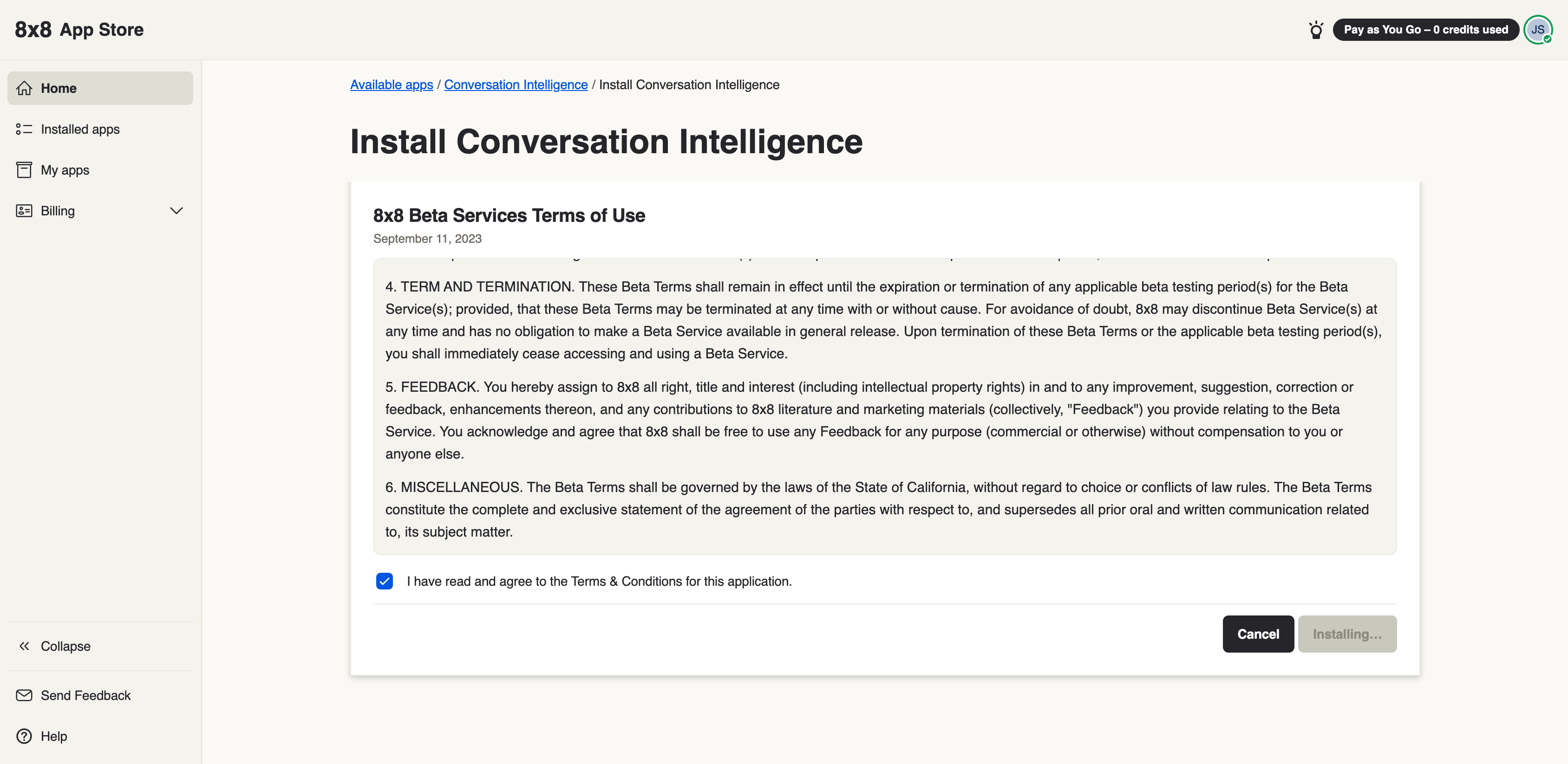
On the details page, click Install and the app installs straight away. There is no terms or beta-consent screen to accept, and a free app has no Plans page — there is no subscription to choose. This is the same whether your App Store comes to you directly from 8x8 or through a reseller.
The App Store's own Terms & Conditions window, shown the first time your organization opens the App Store, is separate and still applies — see Accepting the App Store terms.
Step 3 — Review what the app can access
During install you may be asked to confirm the permissions (scopes) the app needs — for example, which data or 8x8 services it can use on your behalf. Review these and confirm.
For a full explanation of what these permissions mean and where they come from, see Scopes & permissions.
Once installed, the app is available to the users you chose during install. To review or remove it later, see Managing installed apps.